Make every launch look the part
I was tired of rebuilding the same screenshot for every launch.
Independent product· Founder
- 3K+
- creators
- 10K+
- exports
- 0 → 1
- product and GTM
Overview
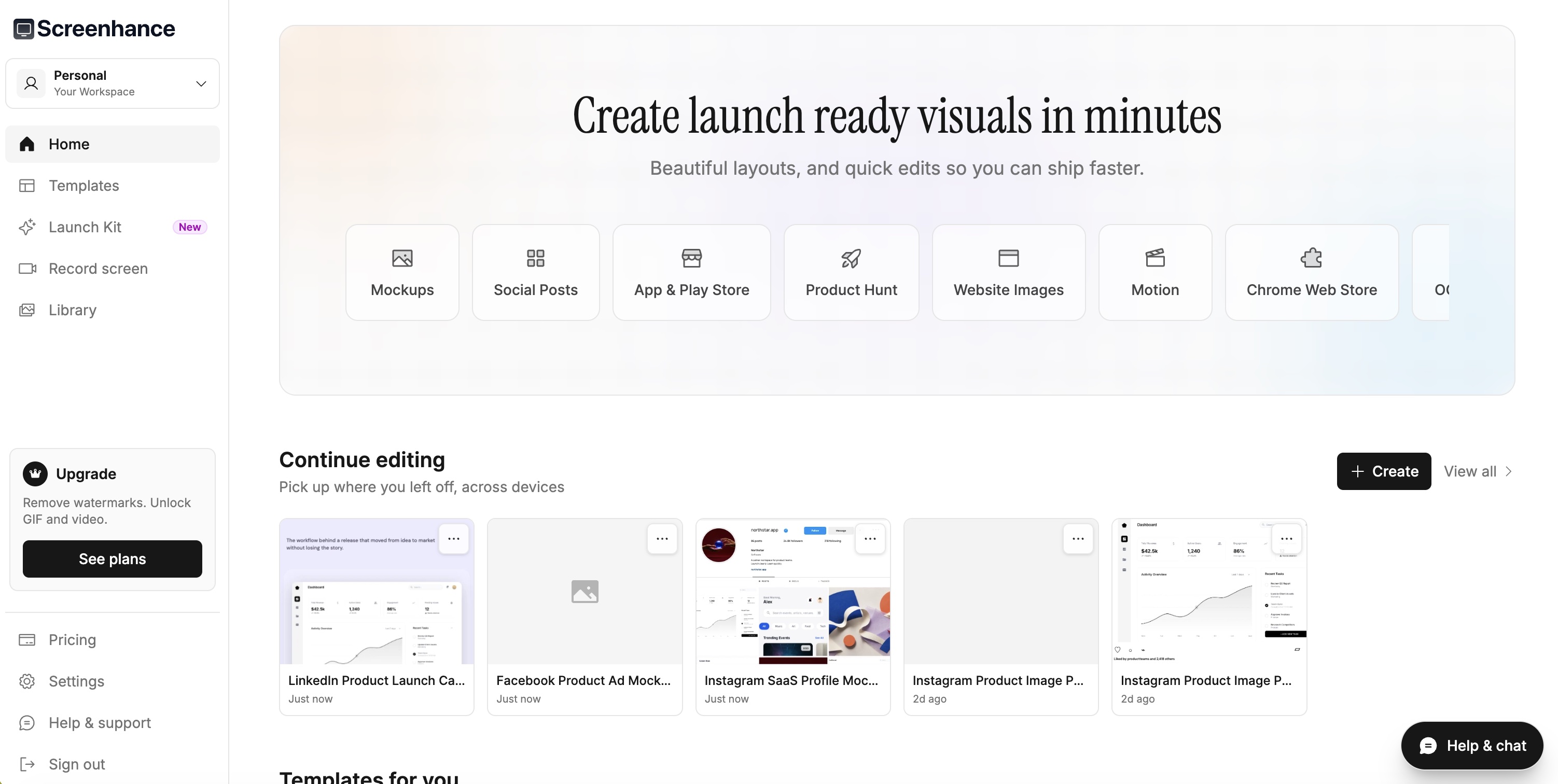
I kept taking the same product screenshot and rebuilding it as a website hero, App Store set, Product Hunt gallery, social card and demo. The design changed less than the file size, framing and export requirements did. It was repetitive work, and the tools I tried either started with a blank canvas or stopped at one nice mockup.
So I built Screenhance. It is an online editor for mockups, store screenshots, launch graphics, motion templates and product recordings. More than 3,000 creators have used it and exported over 10,000 assets.
Why another visual editor?
Most options sat at two extremes. Blank-canvas design tools could make anything, but demanded time and design confidence. Mockup generators were fast, but usually produced one image in one format. Neither solved the pile of assets around a product launch.
My bet was simple: keep the product screen as the subject and let Screenhance handle the framing, depth, motion, layout and destination size around it.
What the product does
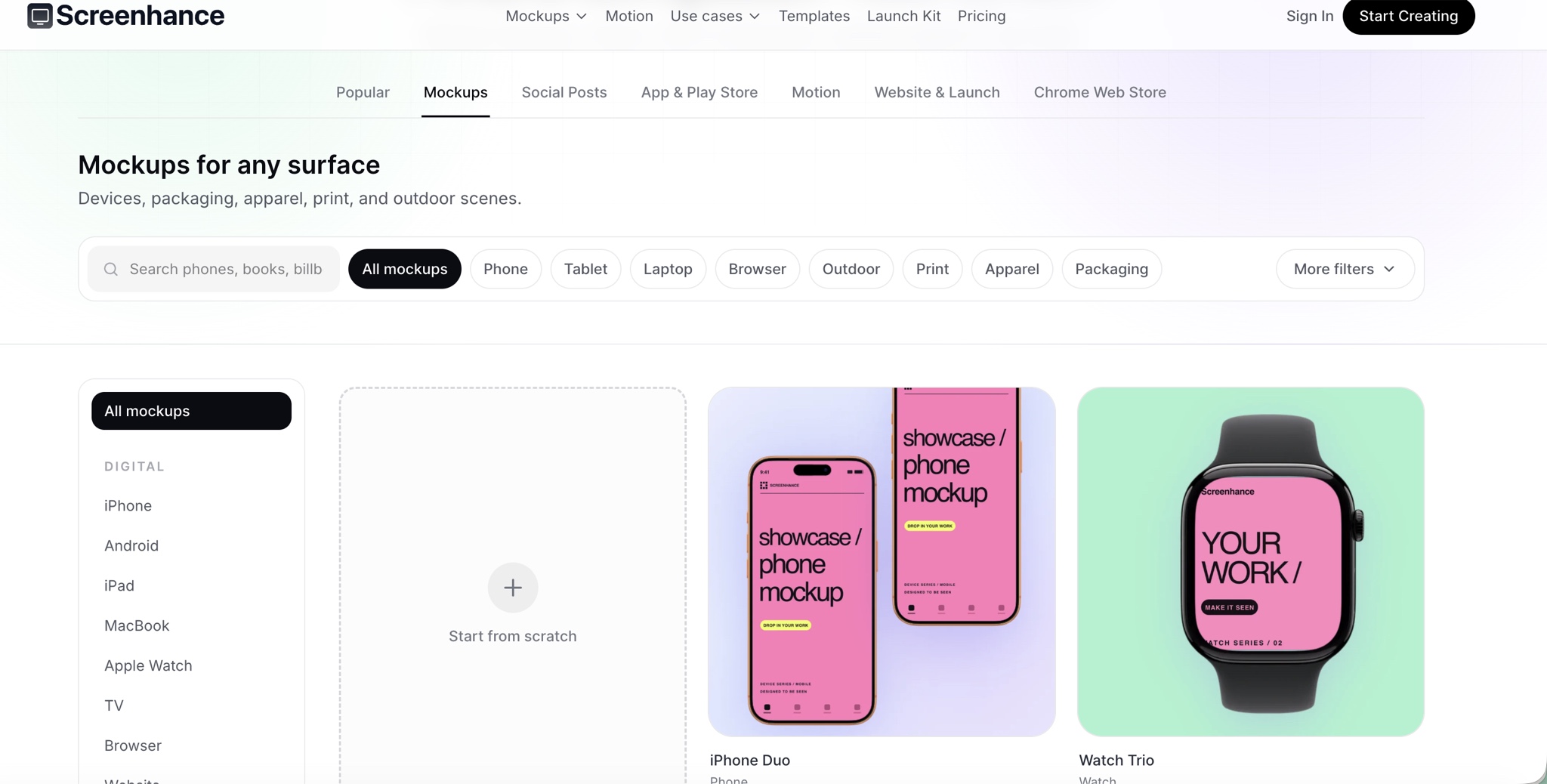
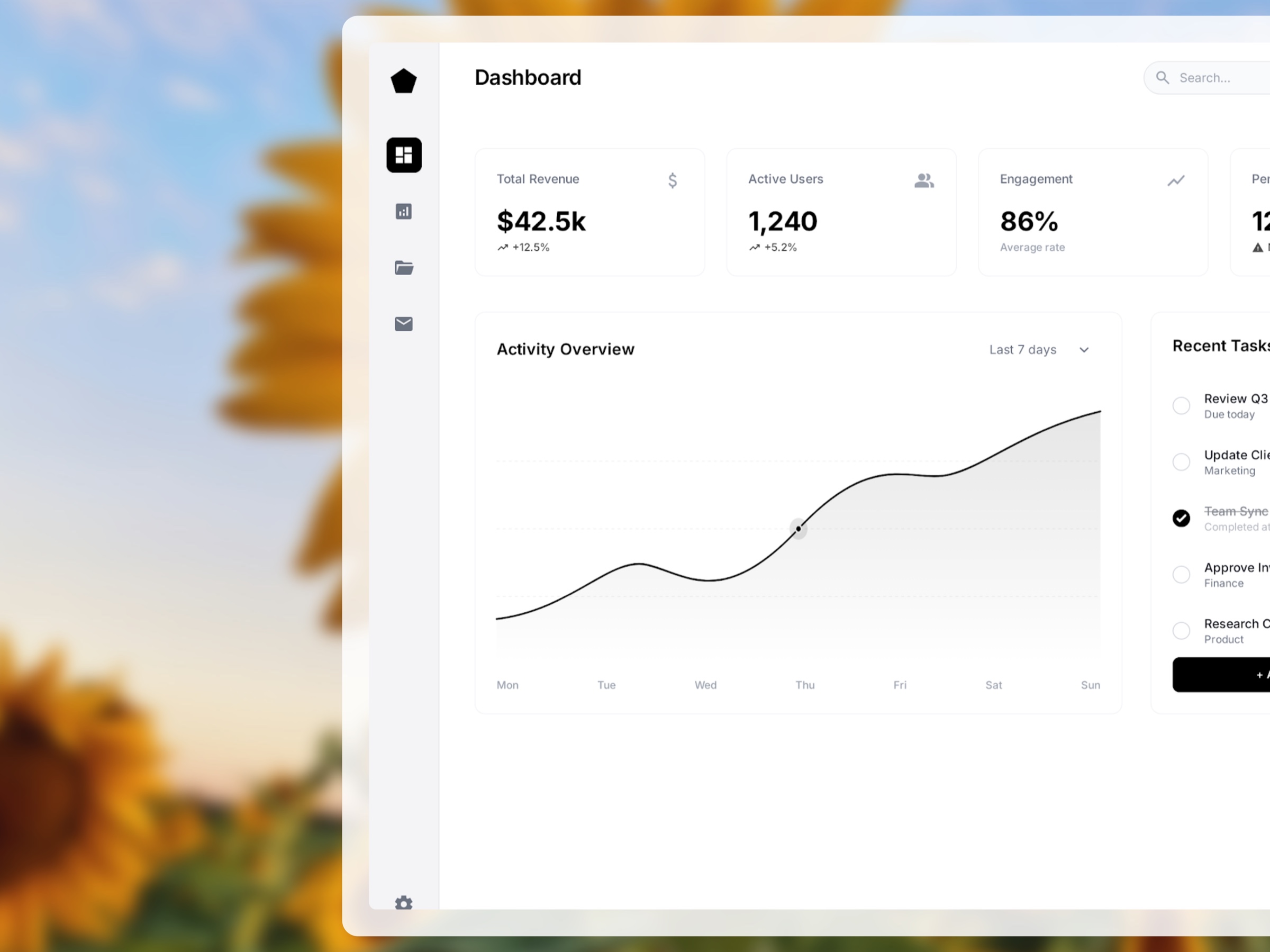
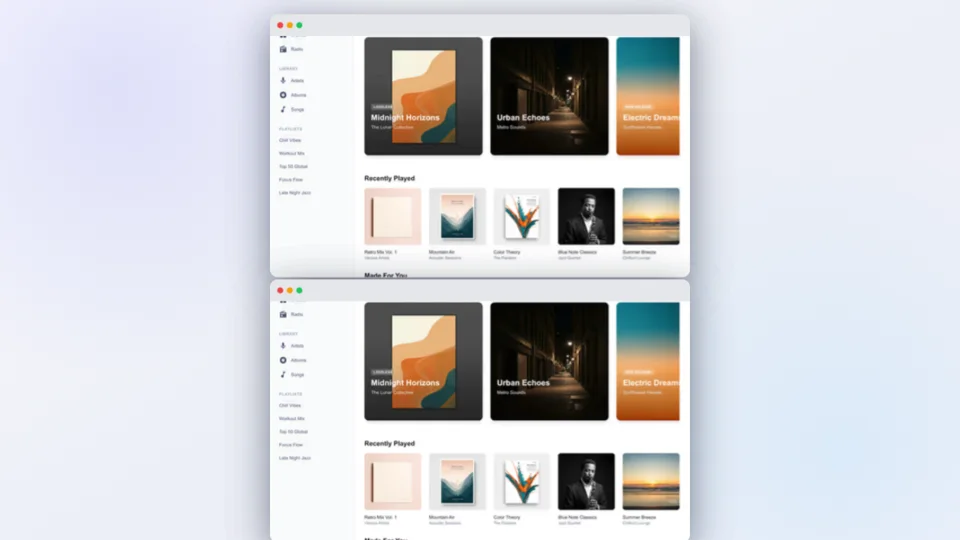
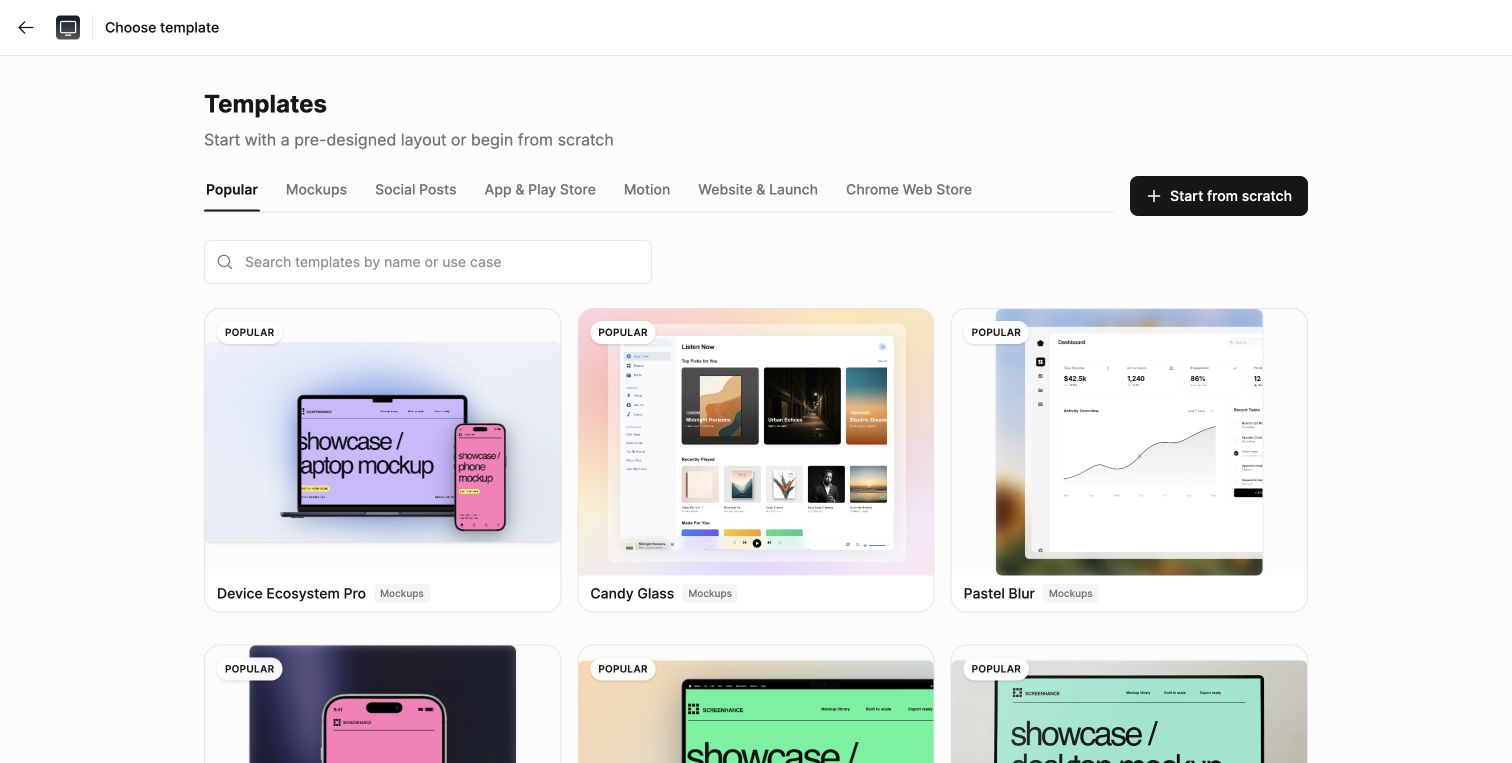
The editor covers device, browser, apparel, packaging, print and outdoor mockups; App Store, Google Play and Chrome Web Store sets; website graphics, Product Hunt galleries, social cards and animated templates. A user can also record their product and turn the recording into a short demo.
Nothing is baked into a flattened template. Product media, copy, type, colour, framing and movement stay editable, and exports include PNG, WebP, JPEG, GIF, WebM and MP4 at the size the destination needs.
What being the founder means here
I work across product strategy, interaction and visual design, positioning, pricing, onboarding, template direction and go-to-market. Support messages and what people actually create are often more useful than a feature wishlist: they show which repeated jobs deserve a dedicated workflow.
That is how the product moved from static mockups into store sets, localisation, motion and recording. Each addition has to justify the extra surface area and remain usable by someone who is not a designer.
A subscription is not right for every launch
Some customers need a week of clean exports for one launch. Others make product visuals every month. Screenhance has a free tier, a one-off seven-day Launch Pass and an ongoing Pro plan because I did not want a customer with a short project to buy—or immediately cancel—a subscription just to use the full product.
What I’m working through now
More than 3,000 creators have used Screenhance and made over 10,000 exports. People most often mention the direct flow, the template quality, the seven-day price and being able to add motion without learning a motion tool.
The hard part now is deciding where the product should stop. I am testing which launch jobs deserve their own workflow, how much control non-designers really use and how static, store and motion assets can reuse more of the same media and brand setup.
Key decisions
Start from a launch job, not a blank canvas.
Keep every layer editable even when the starting point is a template.
Offer a one-off launch price as well as a subscription.
Let’s talk about the work.
I’d be happy to talk through the project and the decisions behind it.
Reach out